

1. Reduce Screen Brightness
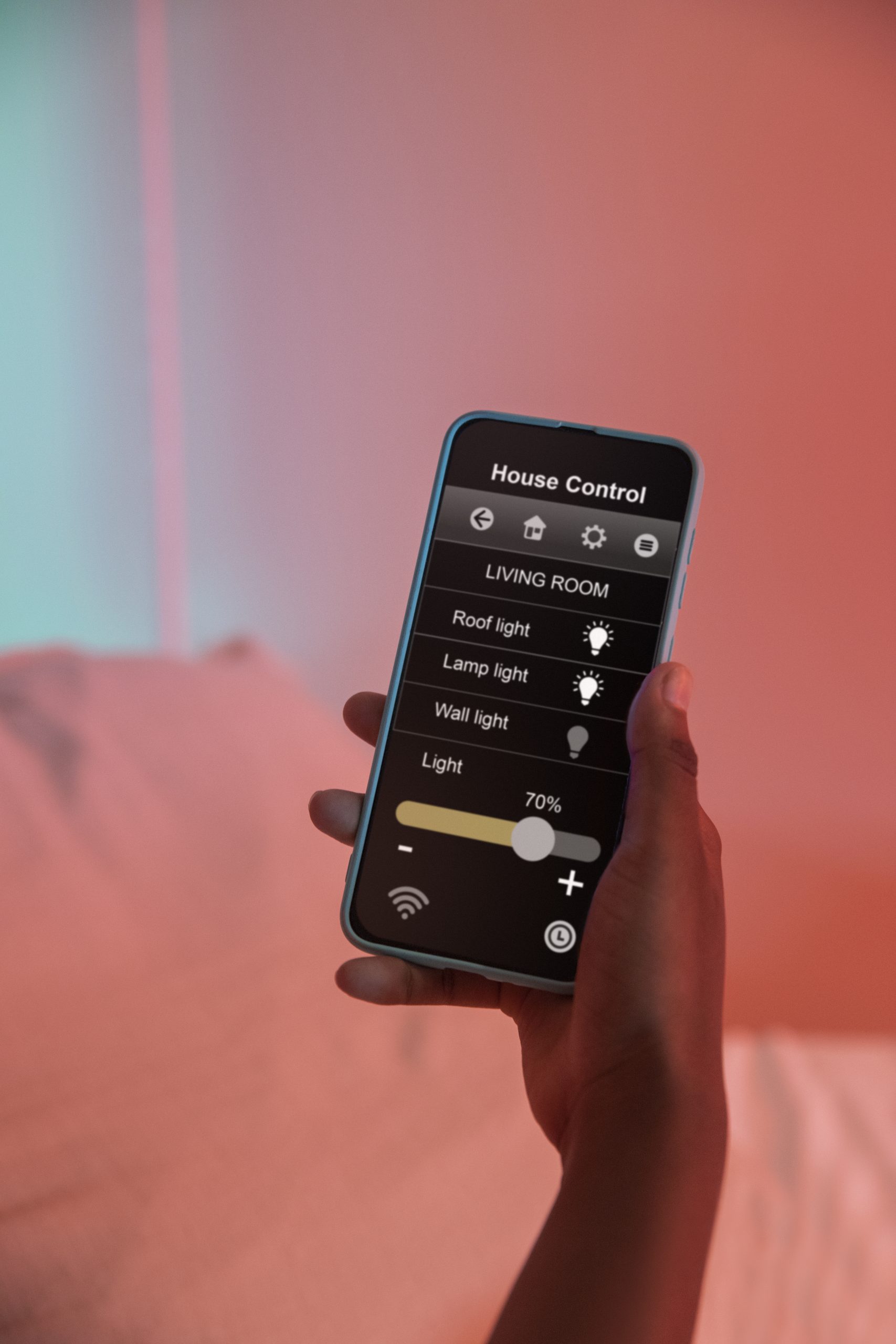
One of the biggest battery drains is your device’s screen. Lowering the brightness or enabling adaptive brightness can help conserve power. On OLED screens, using dark mode can also save energy.
2. Turn Off Unnecessary Background Apps
Many apps run in the background and consume power even when you’re not using them. Close unused apps and disable background refresh for non-essential applications in your device settings.
3. Enable Power-Saving Mode
Most devices come with a built-in power-saving mode that reduces performance slightly but extends battery life significantly. Activate this mode when your battery is running low or when you don’t need high performance.
4. Manage Connectivity Features
Bluetooth, Wi-Fi, GPS, and mobile data can drain your battery if left on unnecessarily. Turn them off when not in use or switch to Airplane Mode if you don’t need any connectivity.
5. Avoid Extreme Temperatures
Batteries perform best at moderate temperatures. Exposure to excessive heat or cold can damage battery health and reduce its lifespan. Keep your device in a cool, dry place and avoid charging it in direct sunlight.
By following these simple tips, you can keep your device powered for longer and reduce the need for frequent charging!